
13 tools for NinjaTrader 8
NinjaTrader Bar Types & Chart Tools
Change the bars, change what you see.
Every ACE custom bar type for NinjaTrader 8 in one place, plus the chart and account tools that sit beside them. Cleaner bars for trends, turns and choppy markets, and small tools that take the busywork out of trading. Compare them and build your chart.
See all 13A noisy chart makes every tool worse
Time based candles print a new bar whether the market did anything or not. In a slow session that means a screen full of small, messy bars that hide the real move. Every indicator you add reads that same noise. Change the bars and the whole chart gets easier to read, before you add a single tool.
Sound familiar?
- Your chart is full of small bars that mean nothing
- Trends look choppy and chop looks like a trend
- You do the same clicks by hand on every trade
All ACE bar types and chart tools
Four kinds of tool live here. Bar types change how price is drawn. Candle overlays smooth the chart you already have. Chart tools put the facts you need in front of you. Account tools handle the repeat work when you trade more than one account.
Bar types
Each one builds bars from price movement in its own way, so trends, turns or choppy stretches stand out. You pick a bar type in the Data Series window of your chart.
 Bar type
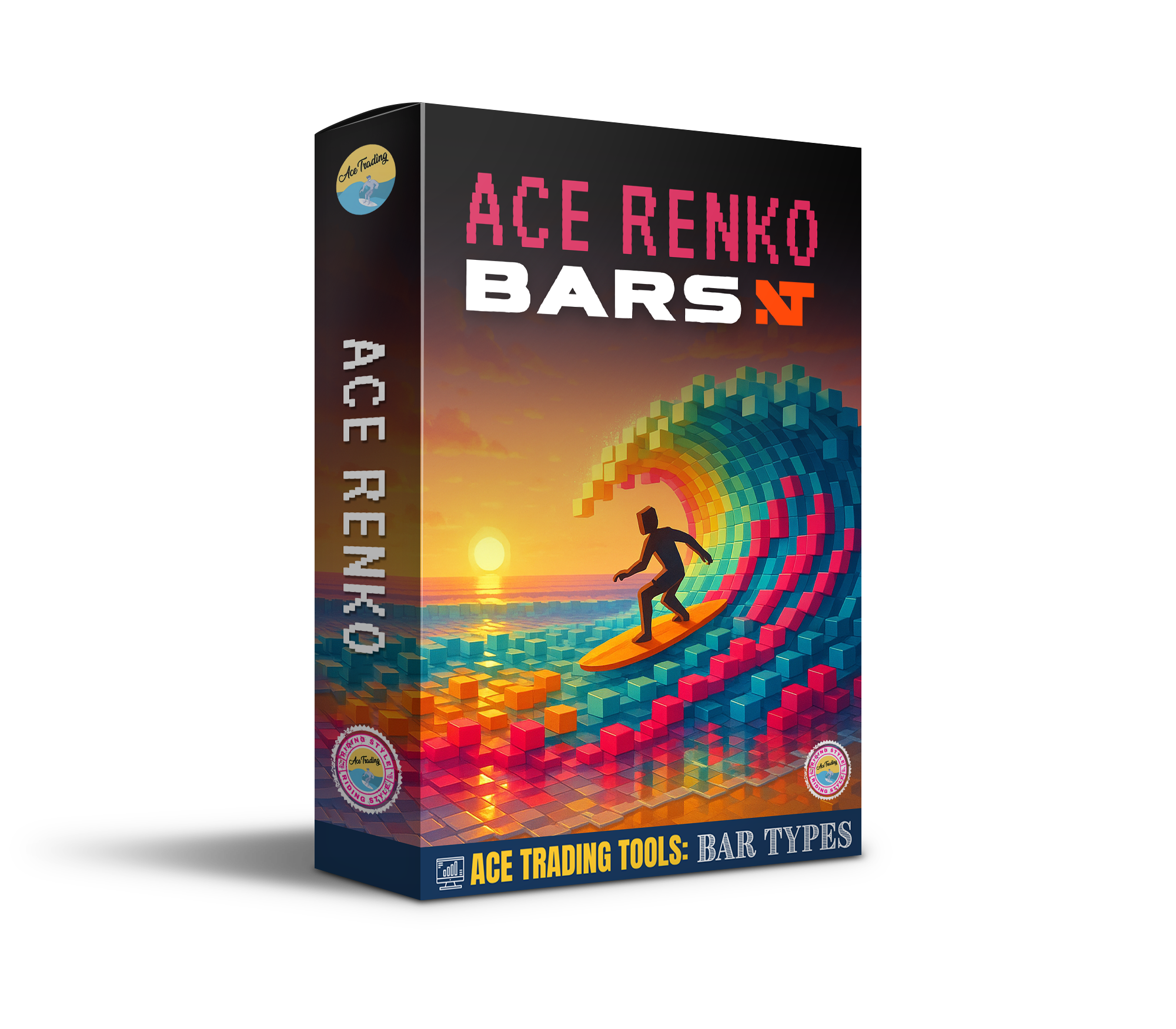
ACE Renko Bars
Fixed size bricks with a defined reversal offset. The balanced all round cleaner for filtering time and small noise.$16 per monthView ACE Renko Bars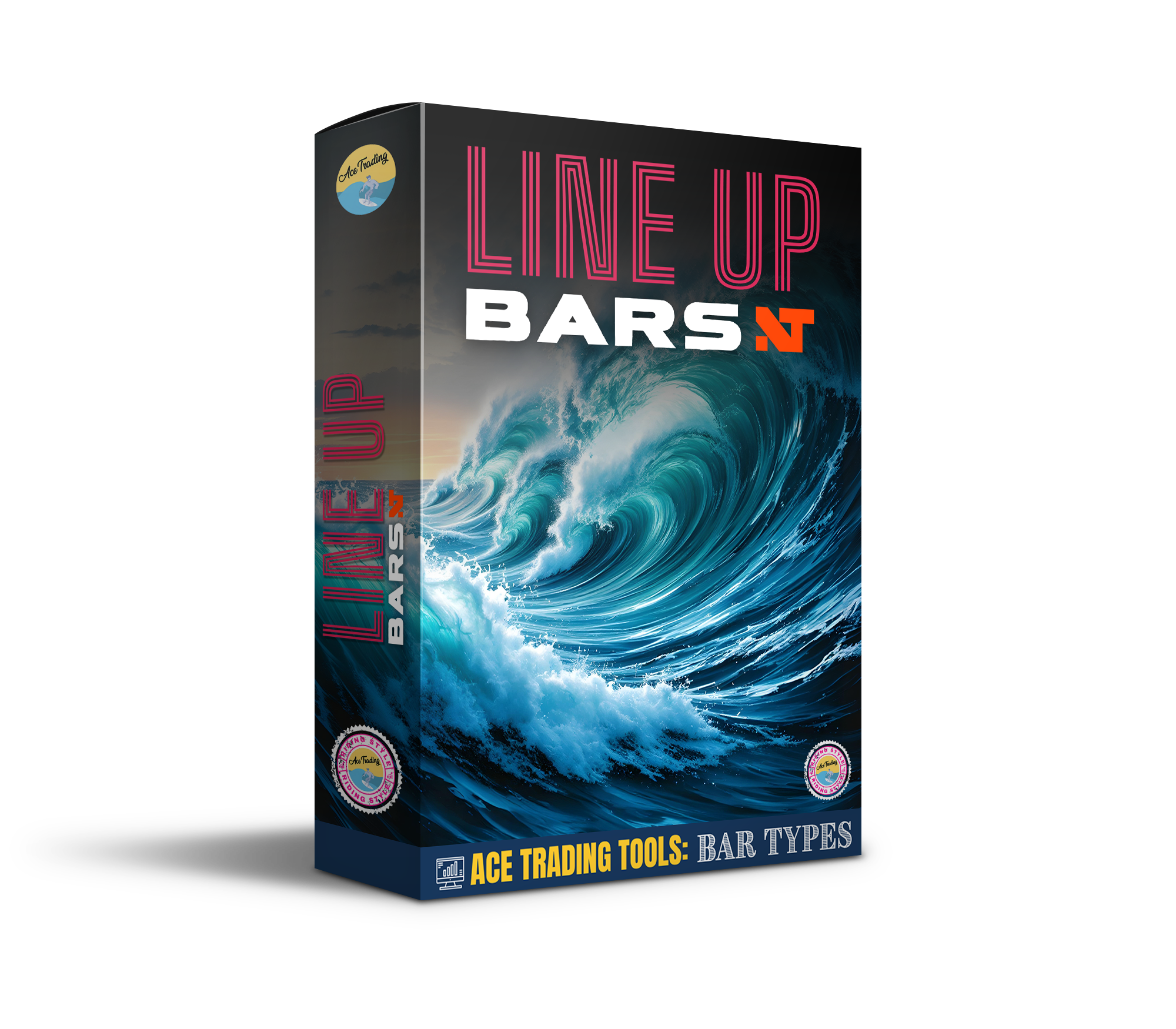 Bar type
ACE Line Up Bars
Forms bars as price levels line up sequentially, making sustained direction and clean trend runs visually obvious.$16 per monthView it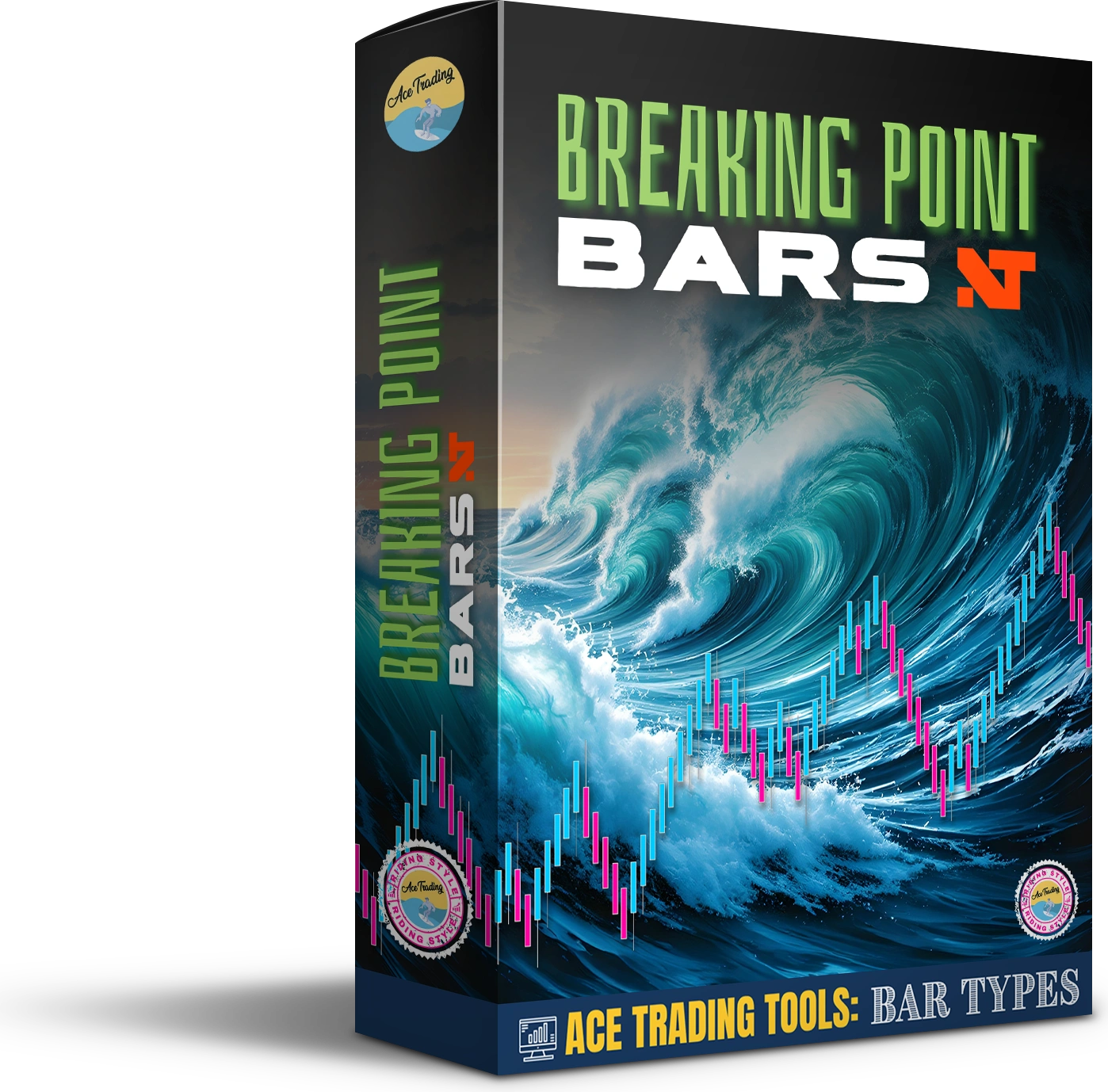 Bar type
ACE Breaking Point Bars
Confirms the point where price breaks opposing structure before changing direction. Selective and decisive.$16 per monthView it Context layer
ACE Drift Bars
Let price drift. Calm the chop.Calmer bars in chopSmoothest ACE bar type$16 per monthView ACE Drift Bars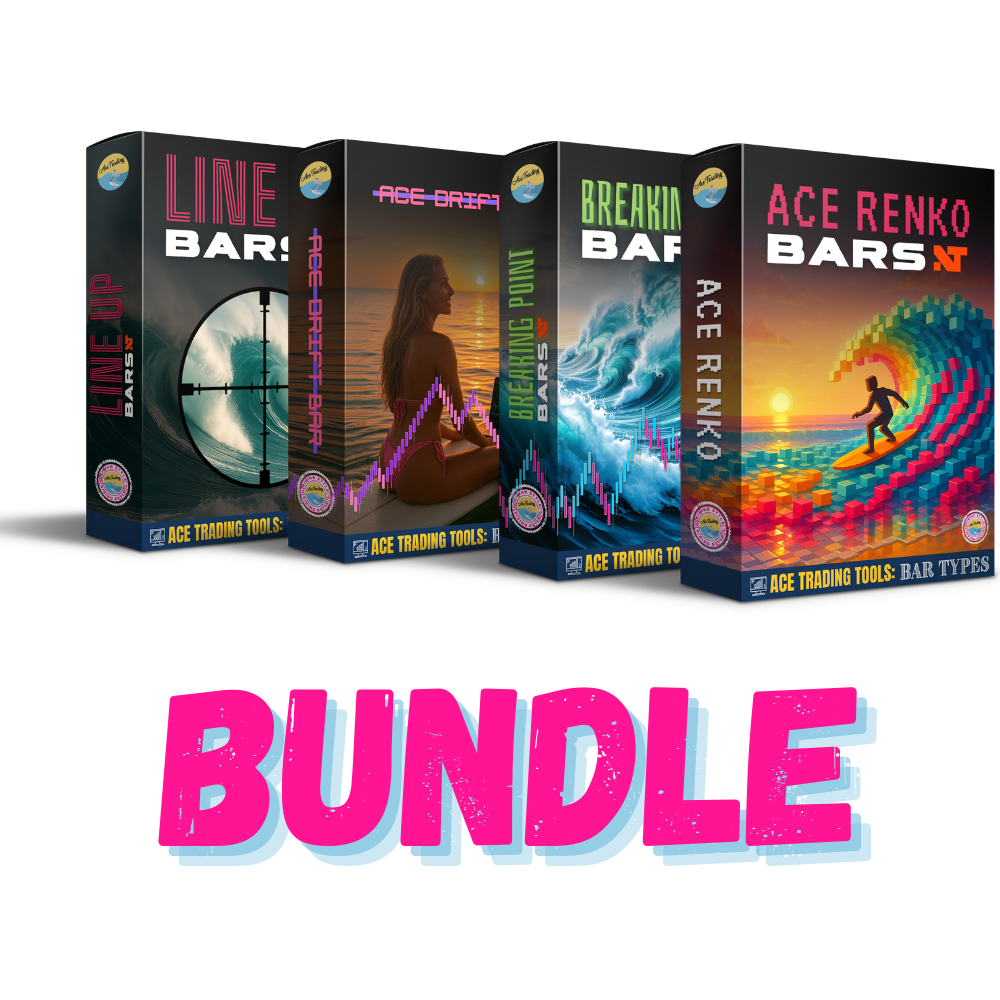 Bar type bundle
ACE Bar Types Bundle
Renko, Breaking Point, Drift and Lineup Bars in one complete bar type membership.$29 per monthView it
Smoother candles
Not bar types but candle overlays: they redraw the candles on your existing chart, so a trend shows up as a clean run of one color.


Chart tools
Small tools that put the facts on the chart: how long the bar has left, what the trade risks and pays, when news is due, and quicker order handling.
 Trade management
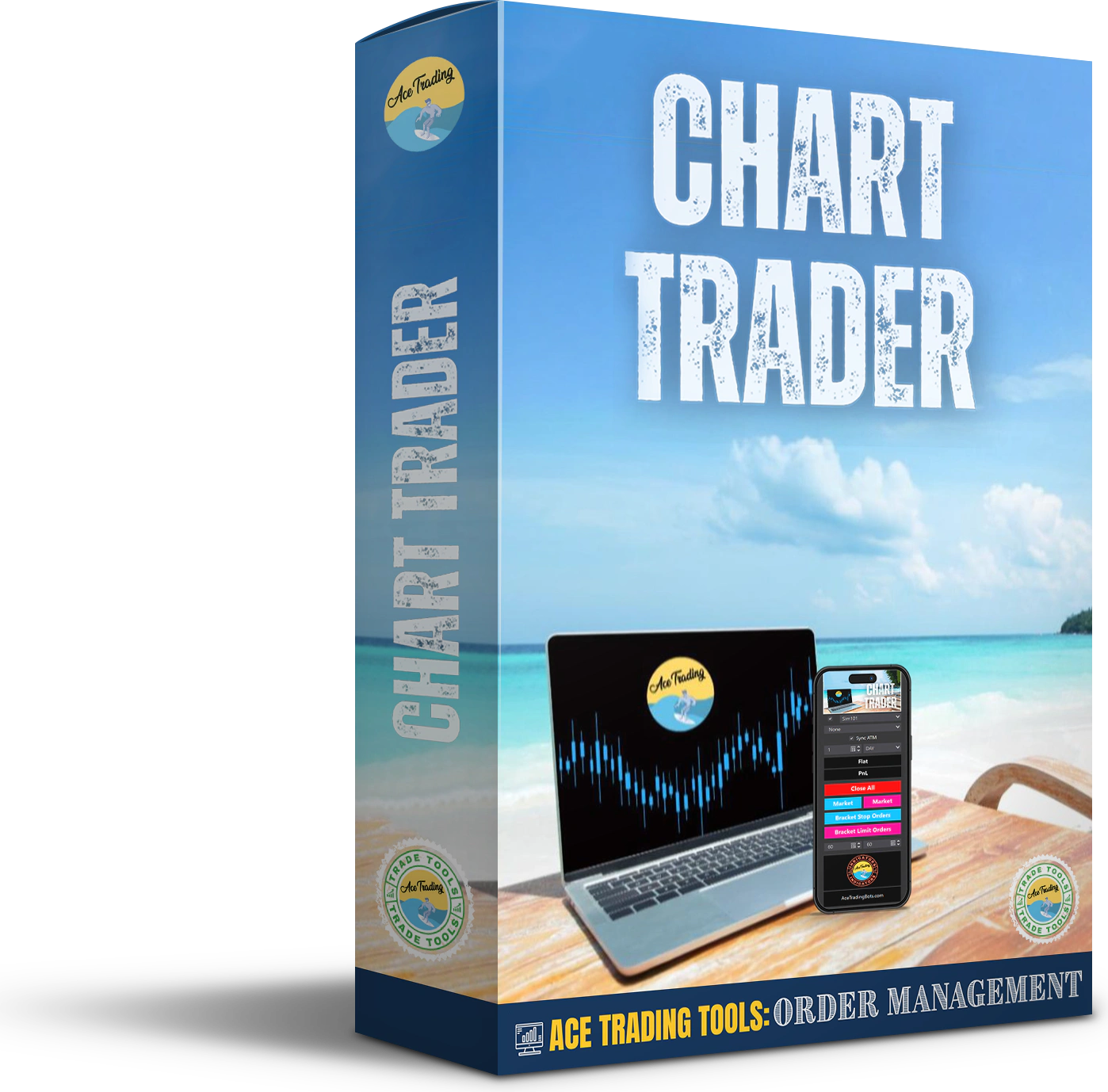
Chart Trader
Real time signal overlays for smarter chart decisions.$29 one timeView Chart Trader Management layer
Candle Countdown
Know when the bar closes.Time, ticks or range leftOptional near expiry sound$19 one timeView it Management layer
Show Trade Profit & Loss
Know where you stand.P&L on every orderBreak even line$19 one timeView it News
News Finder
Keeps high impact market news visible before it reaches your trade.$30 one timeView News Finder
Account tools
For traders running more than one account: copy one account's trades to the rest, or place a long and a short on two accounts at the same instant.


Which one should you start with?
- You want an all round cleaner chartACE Renko BarsFixed size bricks that filter out time and small noise.
- You want trends to stand outACE Line Up BarsMakes sustained direction and clean trend runs easy to see.
- You want confirmed turnsACE Breaking Point BarsWaits for price to break the opposing structure before it changes direction.
- You trade choppy marketsACE Drift BarsLets price drift without printing a mess of bars, so the chop looks calm.
- You want all four bar typesACE Bar Types BundleRenko, Breaking Point, Drift and Line Up Bars in one membership.
- You trade more than one accountiQopy Copy TraderOne master account, copied to every prop account you run on Rithmic or Tradovate.
How to choose a bar type
Start with the market you find hardest to read. If trends look messy, try a bar type that favors direction. If you keep getting caught in turns, try one that waits for a confirmed break. If the chop wears you out, try one built to stay calm in it.
Give a new bar type a fair trial. Your eye is trained on time based candles, so any new bar looks odd for a few sessions. Run it beside your usual chart in playback or sim before you trade from it.
Remember that bars built from movement do not close on the clock. A bar can take seconds or an hour to finish. That is the point, but it changes how you plan entries and exits.
A good bar type
- Cuts noise, not information. The real move is still there, just easier to see.
- Has clear rules. You know when a bar closes and why.
- Plays well with indicators. Load your usual tools on top and compare the read.
- Suits your market. Trend, turn or chop. Pick for the one you trade.
Where bar types and chart tools fit in your plan
- 1ContextWhere are we?
- 2BiasWhich way?
- 3TimingWhen?
- 4ExecutionHow do I get in and out?
- 5ManagementHow is the trade doing?
Bar types sit under every layer of the plan. A cleaner bar makes the trend, the levels and the signals on top of it easier to read. Chart Trader and the account tools help with execution and management.
Build the rest of your plan
 Trend indicators17 indicatorsA cleaner bar type and one trend tool make a simple, readable chart.
 Signal indicators16 indicatorsAdd a signal tool on top to time entries on your new bars.
 Support and resistance indicators9 indicatorsLevels still matter on any bar type. Keep them on the chart.
 Momentum indicators8 indicatorsSee whether the move your bars show has real push.
Bar types and chart tools FAQ
?What is the best bar type for NinjaTrader 8?
It depends on what you need to see. ACE Renko Bars are the all round cleaner. ACE Line Up Bars favor trend runs. ACE Breaking Point Bars wait for confirmed turns. ACE Drift Bars calm a choppy market.
?What bar types come with NinjaTrader 8?
NinjaTrader 8 includes time, tick, volume, range and Renko bars, among others. Custom bar types such as these add new ways to build bars, and appear in the same Type list on your chart.
?How do I use a custom bar type in NinjaTrader 8?
Once it is installed, open a chart, go to Data Series and choose the bar type from the Type list. Set the size and the chart redraws with the new bars.
?Can I get all the ACE bar types together?
Yes. The ACE Bar Types Bundle includes Renko, Breaking Point, Drift and Line Up Bars in one membership.
?What is the difference between a bar type and Heiken Ashi?
A bar type changes how bars are built from price. Heiken Ashi and Ocean Lens redraw the candles on the chart you already have. Both aim for a cleaner read.
?Is there a trade copier for NinjaTrader?
Yes. iQopy Copy Trader copies one master account to your other prop accounts on Rithmic or Tradovate, with a daily profit and contract cap on each. You manage it from the ACE Customer Hub.
?How are they priced?
Each card shows its own price. Some are a one time purchase and some are a monthly subscription. All prices are in USD.
?Can a bar type guarantee winning trades?
No tool can. A cleaner chart is easier to read. You still need a plan, sensible risk limits and the discipline to follow them.
?How does support work?
Every ACE product comes with VIP support and access to the ACE Discord community. Ask questions, share charts and get help with setup.
Clean the chart.Then read it.