
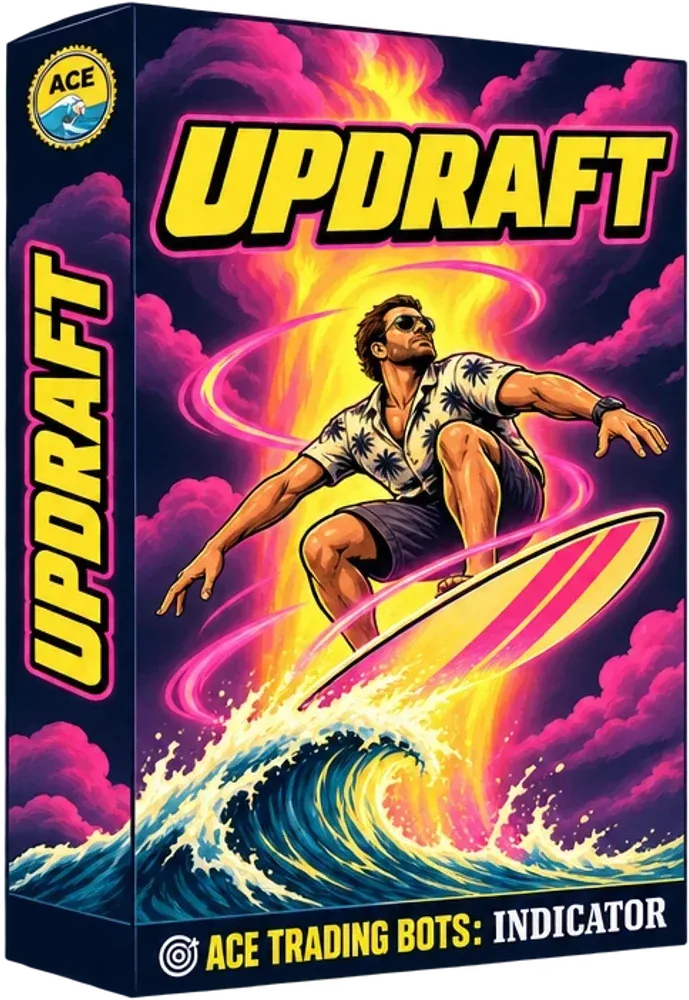
UPDRAFT
Color the bars by trend.
Trend bar coloring for NinjaTrader 8
$59one time
As seen in







Updraft
 Coral or T3 style filter
 Bars colored by trend
 No plotted line
 Clean regime read
- Platform
- NinjaTrader 8
- Type
- Trend: regime & structure
- Plan layer
- Bias
- Repaints
- No
Color the bars by trend.
No line clutter
Only the bars change color
Regime at a glance
Trend state in the candles
Works with levels
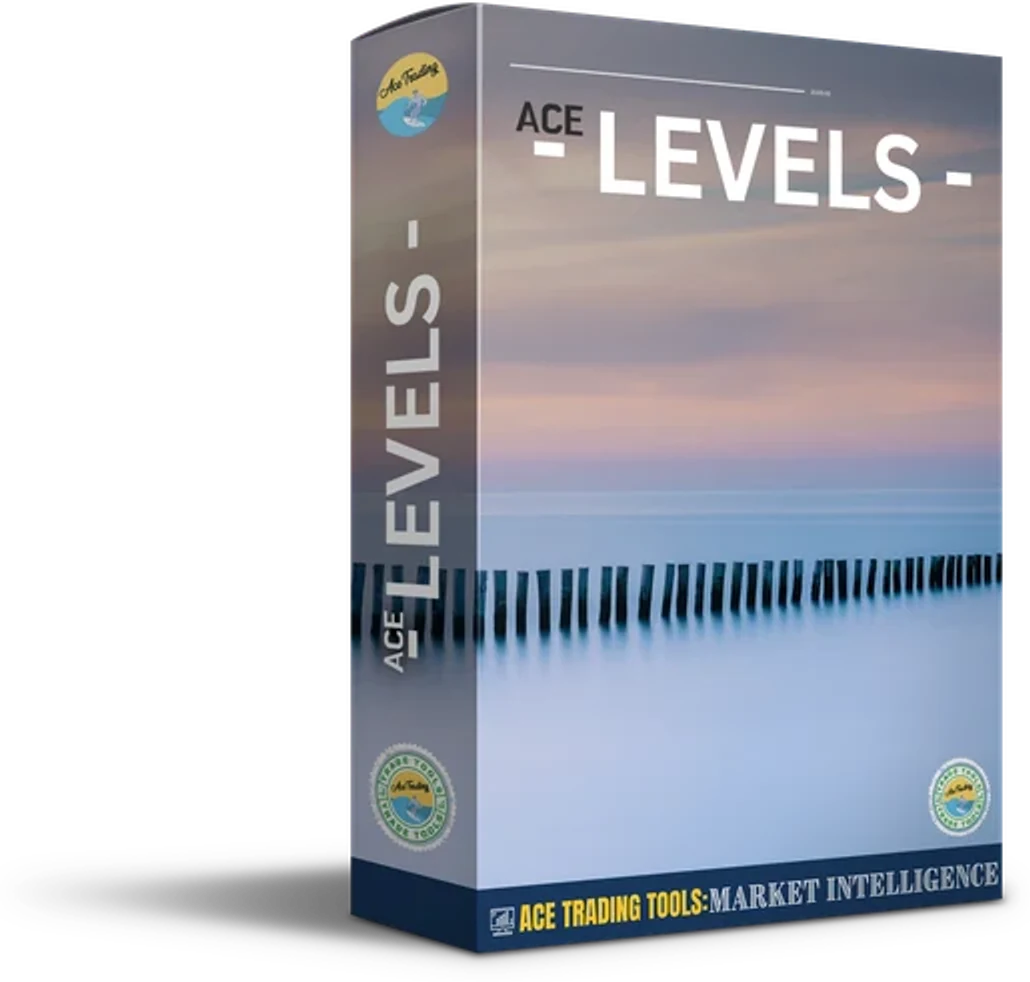
Pairs with any levels tool
What Updraft does for you
Updraft is a Coral or T3 style filter that colors your bars by trend state. It plots no line at all. You get a clean regime read straight from the candle colors.
Coral T3 style filter
A Coral or T3 style filter works out the trend state behind the scenes.
Bar coloring
Your bars take the color of the current trend state.
No plotted line
Nothing is drawn but the colored bars, so your chart stays open.
Regime read
The colors give you a clean read on which regime you are in.
Overlay on price
It works directly on the price chart, with no separate panel.
Pairs with levels tools
It pairs well with any levels tool, so you combine regime with key prices.
Where Updraft fits in your plan
- 1ContextWhere are we?
- 2BiasWhich way?This one
- 3TimingWhen?
- 4ExecutionHow do I get in and out?
- 5ManagementHow is the trade doing?
One tool from each layer, not five tools from the same layer. If two indicators answer the same question, that is redundancy, not confluence.
Pairs well with
How Updraft works
- 1
Add Updraft
Put it on your chart and your bars start taking the trend state colors.
- 2
Read the colors
Let the bar colors tell you the regime, with no line to interpret or clean up.
- 3
Combine with levels
Add a levels tool for key prices, then take entries from your signal tool in the direction of the colors.
Built for the way you trade
 Day trading
 Swing trading
 Futures
 Forex
 Crypto
 Indices
NinjaTrader compatible
Built for NinjaTrader 8
Real traders. Real feedback.
 Kenneth E Fee★★★★★
“Have recently joined AceTraders and now I find I wouldn't trade without their indicators. Their service and customer support is second to none. Fast and the most helpful I have ever come across in my 10 yrs of trading. Now moving to use their bots, which if they are anything like the indicators will be amazing.”
 Paul Faerstein★★★★★
“Love the bots! Love the education! They quickly passed an evaluation for me straight away! I was hesitant, but I recommend them now without hesitation!”
 Jimmy Hood★★★★★
“I have been using several of there bots for several months now and they work great. There are several indicators that they have to help you look for perfect manual trades as well. This is what i like to use because i can then make the decision of taking the trade or not.”
 Martha Leon★★★★★
“I have been using the bots for awhile now. They work great, but you have to put the time to understand them and back test them. There are several bots to choose from. Also, what I like is that Kruges, the owner of ACE Trading, is very responding and is very active in Discord.”
What you get with Updraft
- Updraft for NinjaTrader 8
- Quick & easy setup
- Setup guide
- VIP support
- Discord community
- Product updates
 $59one timeGet UpdraftVisa, Mastercard, Amex, Apple Pay, Google Pay, PayPal. 100% satisfaction guarantee.
Updraft FAQ
?What is Updraft?
A Coral or T3 style filter that colors bars by trend state. It plots no line, so you get a clean bar coloring regime read.
?Which platform does it run on?
NinjaTrader 8, as an overlay on your price chart.
?Does it repaint?
Updraft does not repaint.
?Does it need any special setup?
No special setup is listed.
?What does it pair with?
It pairs well with any levels tool, for example Ace Levels.
?Is it good for beginners?
Yes. Color is the whole message, so there is very little to learn.
?How does support work?
Support runs through VIP support and the ACE Discord community, so you can ask questions about setup and settings.