

SWEEPER BOT
Trade the wave when it is clean. Stand aside when it is not.
Trend wave bot for NinjaTrader 8
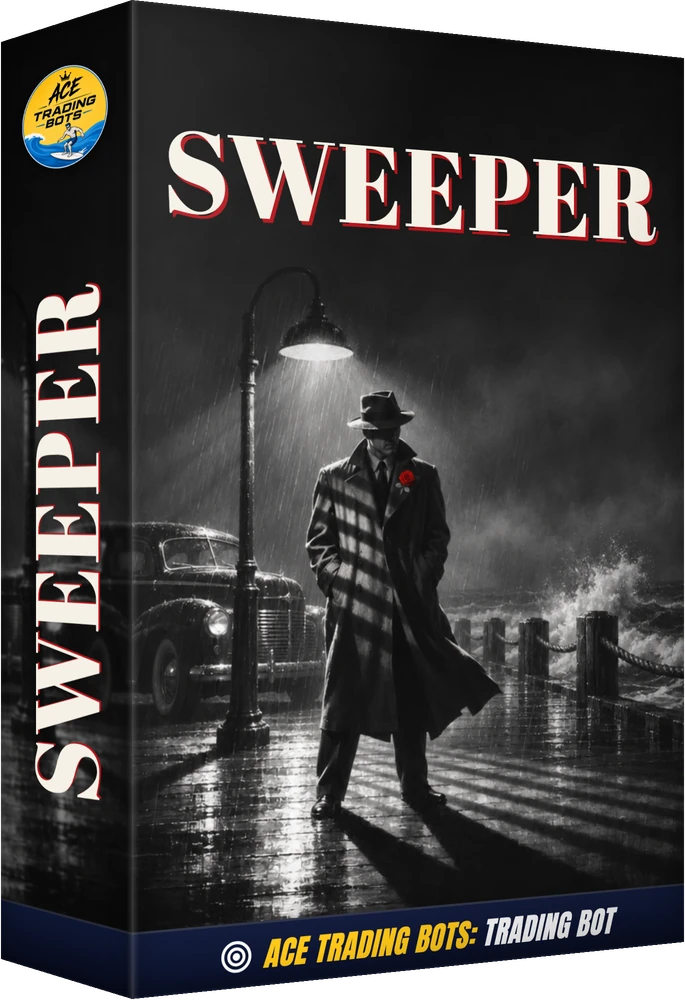
$99/ month

As seen in









Sweeper Bot
 Trades with the wave
 Waits for agreement
 Stands aside in chop
 Starts switched off
- Platform
- NinjaTrader 8
- Type
- Trend wave bot
- Runs in
- The ACE Engine
Trade the wave when it is clean. Stand aside when it is not.
Selective
Skips the messy stretches
Rule based
No hesitation at entry
You stay in charge
Your size, your limits
Most of the damage is done in messy markets
A clean wave is easy to like. The trouble is everything else. The market goes choppy, momentum fades and the trend gets muddy, but you keep clicking because sitting still feels like missing out. Those forced trades add up, and they usually go against you.
Sound familiar?
- You trade waves that were never clean
- You keep clicking through the chop
- You fight the trend on a bad day
A bot that waits for agreement
Sweeper Bot is picky on purpose. It trades with the wave only when trend, momentum and market conditions all point the same way. When they do not, it does nothing, and that patience is the product.
Once it is in, the ACE Engine runs the trade. Targets can be taken in parts, the stop can be fixed or trailing, an emergency backup stop stands behind it and the trade can move to breakeven. A session kill switch ends the day at a profit or loss you set.
It cannot promise results, and no bot can. Quiet stretches on the chart are normal. What changes is that the rules, not your mood, decide when to trade, and you get time back. You choose the size. Prove it to yourself on Sim first.
Sweeper Bot is for
- Trend traders who want to trade with the wave, not against it.
- Overtraders who need something to hold them back.
- Busy traders who cannot watch every candle.
- Risk minded traders who like a hard stop for the day.
What Sweeper Bot does for you
Most losing trades come from forcing a wave that was never clean. Sweeper Bot is a NinjaTrader momentum trend bot that trades with the wave only when trend, momentum and market conditions all agree, and stands aside when the market gets choppy. It places the trades by fixed rules.
Trades with the wave
The bot goes with the direction of the wave rather than fighting it, so you are not arguing with the market on every trade.
Everything has to agree
It acts only when trend, momentum and market conditions line up. If they do not, it waits and does nothing.
Sits out the chop
When the market turns choppy the bot stands aside, which means fewer forced trades in the stretches where most accounts leak.
Managed after entry
The engine looks after each trade with profit targets you can scale out of, a stop and an emergency backup stop, plus a move to breakeven.
A hard stop for the day
Pick a profit or loss at which it stops for the session, or let it stop after a run of winners or losers.
Panel and history on chart
The results panel shows loaded history, what the bot has done live since you switched it on, and the position it holds now.
What you see with Sweeper Bot
Entries only when the wave is clean
Look back across a session and you will see the bot's entries and exits marked on the chart, with plenty of empty space between them. The gaps are the point. Those are the stretches where it stood aside.
History and live in one panel
The results panel splits what the bot did on loaded history from what it has done live since you switched it on. Keep an eye on the live side, because that is what you are actually running.
The session limit doing its job
If the day reaches the profit or loss you chose, the bot stops and the panel shows it is done for the session. It is a hard line that you set ahead of time, not in the heat of the moment.
Where Sweeper Bot fits in your plan
- 1ContextWhere are we?
- 2BiasWhich way?
- 3TimingWhen?
- 4ExecutionHow do I get in and out?This one
- 5ManagementHow is the trade doing?
One tool from each layer, not five tools from the same layer. If two indicators answer the same question, that is redundancy, not confluence.
Pairs well with
 ACE LevelsLEVELSSession levels give you context around where the bot trades.
 News FinderNEWSKnow when scheduled news is due so you can plan around it.
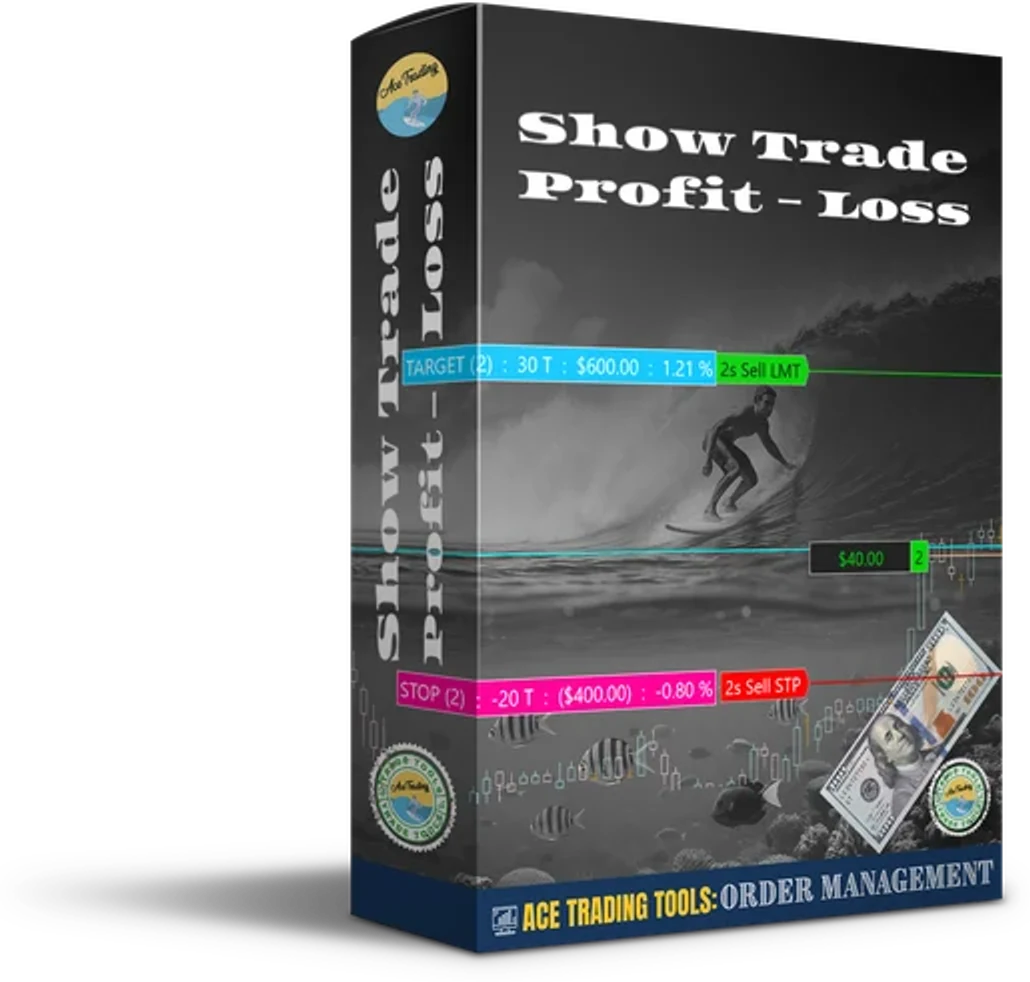 Show Trade Profit & LossTRADE MANAGEMENTSee the open trade's state at a glance while the bot manages it.
 iQopy Copy TraderCOPY TRADINGCopy the bot's trades to your other accounts.
 All ACE trading bots18 botsSee every ACE bot for NinjaTrader 8 side by side, and what each one trades.
How Sweeper Bot works
- 1
Install the engine once
Add the ACE Engine to NinjaTrader 8. Sweeper Bot appears in the Ace Panel on your chart, and it arrives switched off.
- 2
Choose size and limits
Set your size, your time windows and days, and your session limit. Then run it on a Sim account for a full session.
- 3
Turn it on deliberately
Switching it on is a separate step, and the panel names the account first so you know exactly where it will trade.
Wait for the wave.Then ride it.
Real traders. Real feedback.
 Kenneth E Fee★★★★★
“Have recently joined AceTraders and now I find I wouldn't trade without their indicators. Their service and customer support is second to none. Fast and the most helpful I have ever come across in my 10 yrs of trading. Now moving to use their bots, which if they are anything like the indicators will be amazing.”
 Paul Faerstein★★★★★
“Love the bots! Love the education! They quickly passed an evaluation for me straight away! I was hesitant, but I recommend them now without hesitation!”
 Jimmy Hood★★★★★
“I have been using several of there bots for several months now and they work great. There are several indicators that they have to help you look for perfect manual trades as well. This is what i like to use because i can then make the decision of taking the trade or not.”
 Martha Leon★★★★★
“I have been using the bots for awhile now. They work great, but you have to put the time to understand them and back test them. There are several bots to choose from. Also, what I like is that Kruges, the owner of ACE Trading, is very responding and is very active in Discord.”
What you get with Sweeper Bot
- Sweeper Bot for NinjaTrader 8
- The ACE Engine add on
- Targets, stops and breakeven
- Session kill switch
- Time, day and news filters
- Results panel on the chart
- VIP support
- Discord community
- Product updates
 $99/ monthGet Sweeper BotVisa, Mastercard, Amex, Apple Pay, Google Pay, PayPal. 100% satisfaction guarantee.
Sweeper Bot FAQ
?What is Sweeper Bot?
A trend wave bot for NinjaTrader 8. It trades with the wave only when trend, momentum and market conditions all agree, and it stands aside when the market is choppy.
?Who is Sweeper Bot for?
Traders who want to follow the market's direction by rule and avoid forcing trades in messy conditions. You still choose the size, the hours and the limits.
?What will I see on my chart?
The bot's entries and exits marked on the chart, its target and stop lines while a trade is open, and the results panel with history, live results and the open position.
?What does it do when the market is choppy?
It stands aside. When the conditions it needs do not agree, it does not trade, so you may see quiet stretches on the chart. That is the bot waiting, not broken.
?Is it safe to leave running?
Treat it with care. Futures trading can lose money. Start on Sim through a full session, set the session kill switch and stay in charge of your own risk.
?Can a bot guarantee winning trades?
No. Sweeper Bot follows rules, and rules can still lose. Waves fail, and you will have losing days. It is built to give you structure, not certainty.
?Which broker do I need?
Any broker or data feed that NinjaTrader 8 supports. You bring your own broker. Prop firm users should check their firm's rules on automated trading first.
?Can I limit when it trades?
Yes. You choose the time windows and the days it trades, and it can pause around scheduled news. Outside those windows it stays flat.
?What does it pair with?
ACE Levels gives session levels for context, News Finder shows when news is due, and Show Trade Profit and Loss keeps the open trade in view.
?How does support work?
Every ACE product comes with VIP support and access to the ACE Discord community. Ask questions, share charts and get help with setup.
Trading futures carries a real risk of loss and is not right for everyone. A bot follows its rules. It cannot promise a result, and past trades do not predict future ones. Run it on a Sim account first and only trade money you can afford to lose.